You bought a standing desk. Two weeks in, your feet, calves, and lower back hurt more than they did sitting. That’s not a posture problem — it’s a floor problem. Standing flat on carpet or hardwood for 6–8 hours a day, even intermittently, fatigues the small stabilizer muscles in your feet and pools blood in your legs.
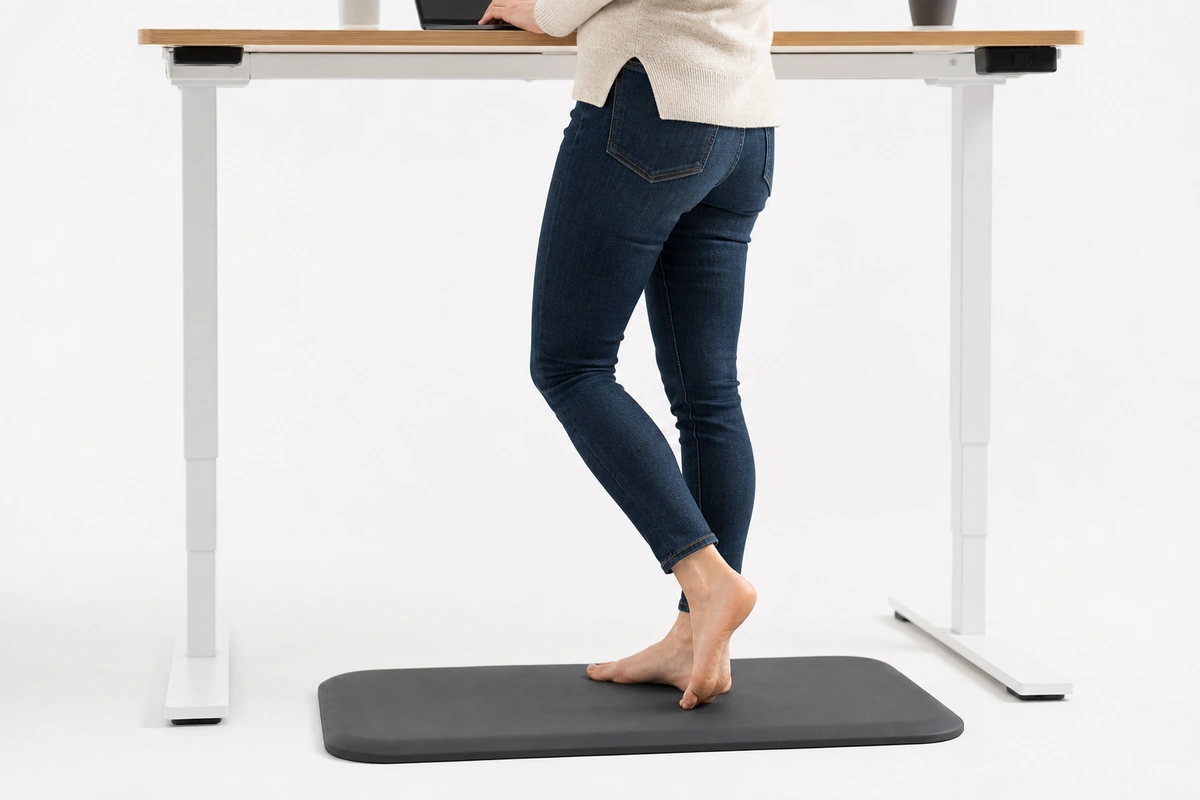
A proper standing desk anti-fatigue mat fixes this: the cushion lets your feet micro-move (which keeps blood flowing), the contour prompts subtle posture shifts (which keeps your hips from locking), and the material stays comfortable at hour 7 not just hour 1. This is different from a kitchen mat, different from a shop mat, different from the cheap rollup mat that ships with a lot of office chairs.
This guide covers standing desk mats built for the 8-hour WFH reality: office-compatible sizing, carpet-friendly install, professional aesthetic that doesn’t look weird on a video call, and honest tradeoffs between flat foam mats ($30) and contoured ergonomic mats ($150+).
Quick Answer: For a standing desk, pick an anti-fatigue mat sized to your stance — about 20×30 to 24×36 inches for most setups — in a professional finish that looks fine on camera. Flat foam mats (around $30) are enough for occasional standing; contoured terrain mats ($150-plus) encourage the micro-movement that helps over a full day. On carpet choose a firm rubber mat so it doesn’t sink; on hardwood, use a non-marking backing to protect the floor.
Why Office Workers Need a Different Mat
Kitchen anti-fatigue mats are built for intermittent standing: you cook for 30 minutes, you walk away, you come back. Retail / workshop mats are built for continuous standing on concrete for 4-hour shifts.
Neither of those is the office scenario.
The office reality:
- 6–8 hours a day at the desk
- Cycling between sitting and standing every 30–90 minutes (if you’re using the desk correctly)
- Standing on carpet in most cases (not concrete or tile)
- Small footprint — the mat has to fit under the desk without blocking a rolling chair
- Visible on video calls, so it matters how it looks
- Barefoot / socks / light shoes (not work boots)
The mat needs to be cushiony enough for 8 hours, small enough to not trip on, and unobtrusive enough to not become the visual focal point of your home office.
Quick Picks: Best Standing Desk Mats for 2026
| Tier | Best For | Approximate Price | Type |
|---|---|---|---|
| Budget | Occasional standers (2–3 hrs/day) | $30–50 | Flat PU foam, 20″×30″ |
| Mid-range | Hybrid workers (4–5 hrs/day standing) | $60–90 | Contoured foam, 24″×36″ with ergonomic bumps |
| Premium | Full standing users (6–8 hrs/day) | $100–180 | High-density rubber/foam hybrid with calf stretcher + heel cup |
Our Pick: Norsk Anti-Fatigue Mat, 20″ × 39″ (Mid-Range)
Norsk-Stor’s own 20″ × 39″ anti-fatigue mat is a flat 100% polyurethane mat, 0.75 inches (19 mm) thick — squarely in the mid-range tier above. The 39-inch width covers the full shift-and-stretch zone of a standing desk without poking out into chair-roll territory, and the flat profile means no contour bumps to fight in dress shoes or socks.
Honest fit notes: it’s a flat mat, so if you stand 6–8 hours daily and want a calf-stretcher terrain surface, look at the premium tier instead. Cleaning is spot-clean (damp cloth, mild soap) — typical for PU. At 0.75″ it’s too thick for a chair to roll over; slide it aside when you sit, or hang it on a hook under the desk.
Sizing: How Big Should a Standing Desk Mat Be?
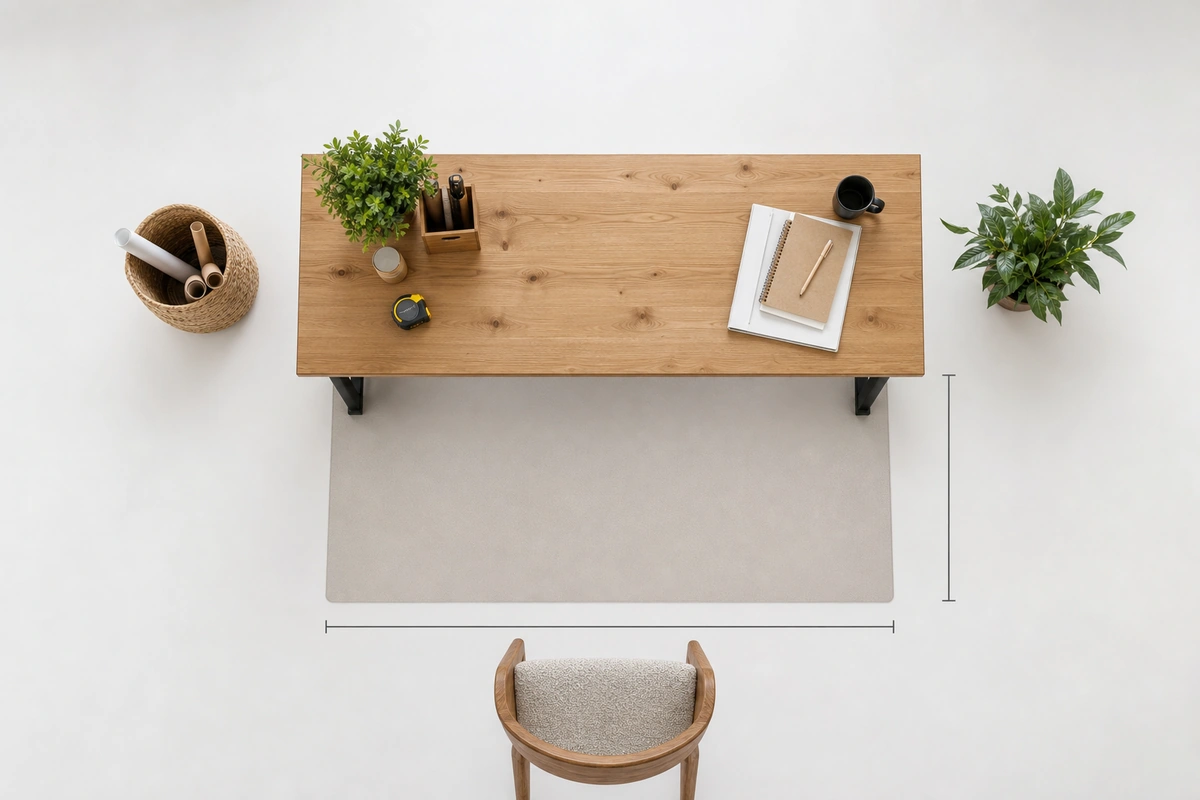
Standing desk mats are smaller than kitchen or shop mats. The sweet spot is 20″×30″ to 24″×36″.
Why not bigger:
- Anything wider than 36″ blocks your chair from rolling up when you sit
- Anything deeper than 36″ pushes out from under the desk and becomes a trip hazard
- You don’t walk while at a standing desk — you shift weight in a small area
Why not smaller:
- Under 20″ wide and your feet hang off the edges, which defeats the purpose
- Under 28″ deep and you end up on the hard floor whenever you step back to stretch
Practical note: measure your desk width first. A 48″ desk with a chair rolls in under the mat (if the mat is low enough). A narrower desk may need you to physically slide the mat aside when you sit. Low-profile mats (under 1/2″ thick) work with chairs rolling over them; anything thicker, you’ll need to move the mat.
Flat vs. Contoured (Terrain) Mats
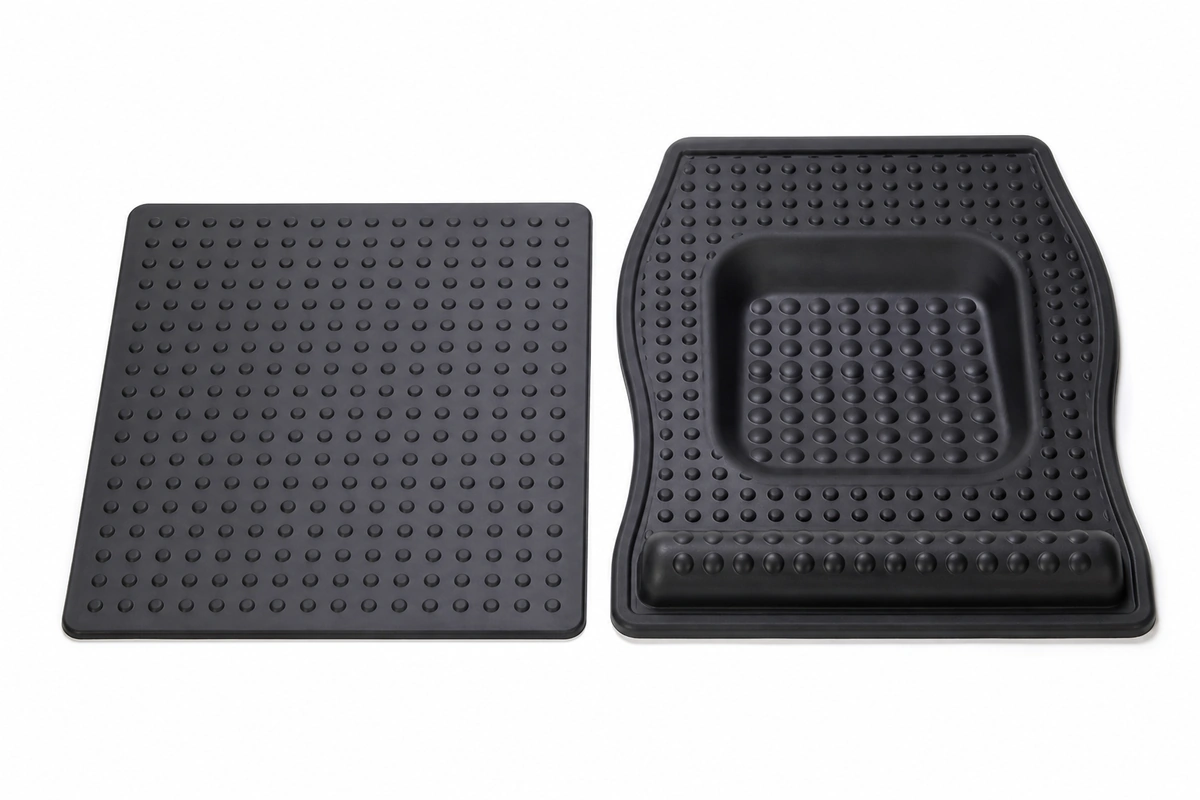
This is the real decision. Two types of standing desk mat:
Flat mats — A uniform slab of foam or rubber, flat top surface, usually 3/8″–3/4″ thick. Simple, proven, comfortable for most people.
Contoured / terrain mats — Designed with raised bumps, a heel well, and sometimes a calf-stretcher ridge or ball. Prompts the user to shift posture throughout the day, which increases blood flow and reduces the “locked in one pose” fatigue.
Which is right for you:
- Standing under 4 hours/day: Flat mat is fine. Contour features are overkill for light users and can feel weird on bare feet.
- Standing 4–8 hours/day: Contoured mat is worth the upgrade. The forced micro-movement is noticeable by the end of a long day.
- Foot injuries or plantar fasciitis: Talk to your PT first. Some contoured mats aggravate pre-existing foot issues; a soft flat mat is often safer.
- Want it to “work” without thinking: Flat mat. It delivers 80% of the comfort at 50% of the cost, and doesn’t require you to consciously shift positions.
Honest take: the contour features are real, but the marketing overstates the benefit. A flat 3/4″ high-density foam mat plus 5 minutes of active standing (shifting weight, calf raises, brief pacing) beats a $180 contoured mat you stand statically on.
Material: Foam vs Rubber vs Gel
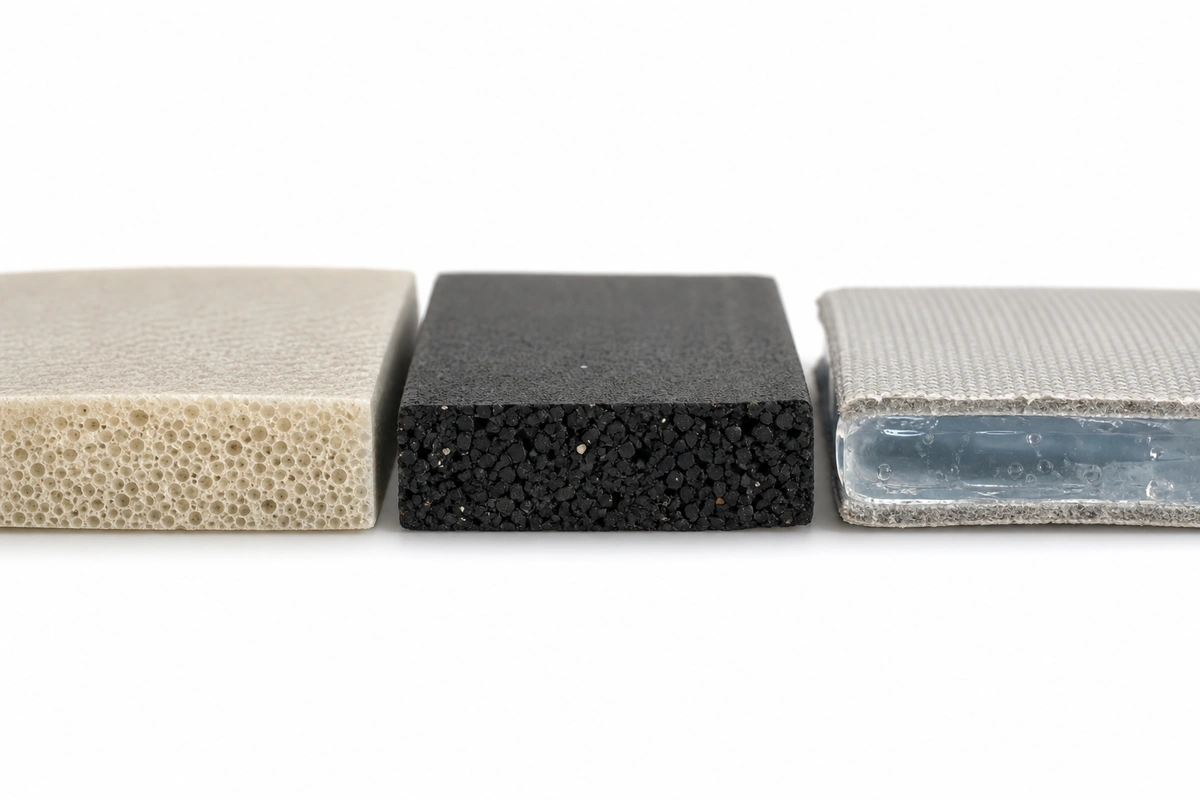
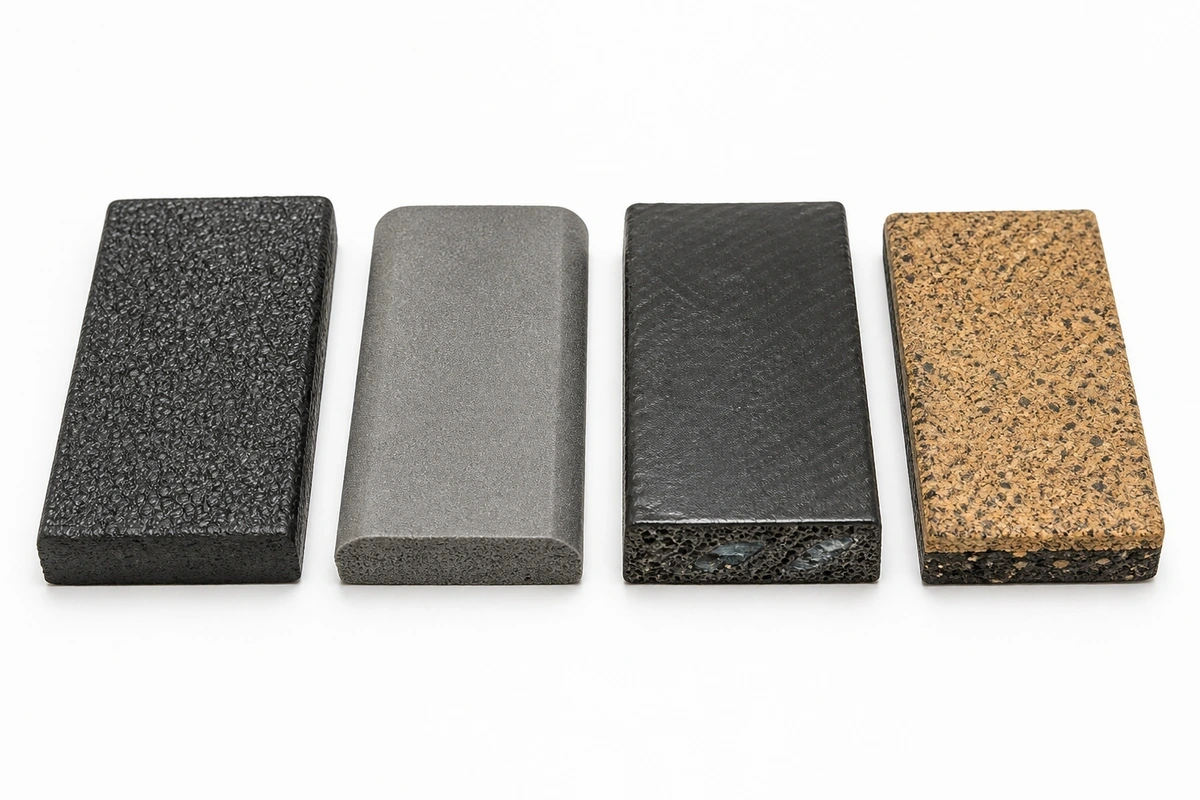
Polyurethane (PU) foam — The office standard. Light, comfortable, professional appearance. Most standing desk mats are PU foam. Holds its shape for 2–4 years under 8-hour daily use before it compresses permanently.
Dense rubber / EVA — Heavier, more durable, slightly firmer. Less “sinking” feeling, better if you have knee issues. Tends to look more industrial — not every office aesthetic works with rubber. Life: 5–8 years.
Gel-filled mats — Marketing claim: “superior cushioning.” Reality: they feel different but don’t actually reduce fatigue better than quality PU foam. And they can leak if the surface gets punctured. Skip unless you specifically like the sensation.
Memory foam — Tempting for home office because it feels luxurious. Don’t. Memory foam compresses under sustained weight; by 30 minutes you’re standing on a hardwood-like firm base, defeating the purpose. Memory foam is for beds, not standing mats.
Standing Desk Mat on Carpet
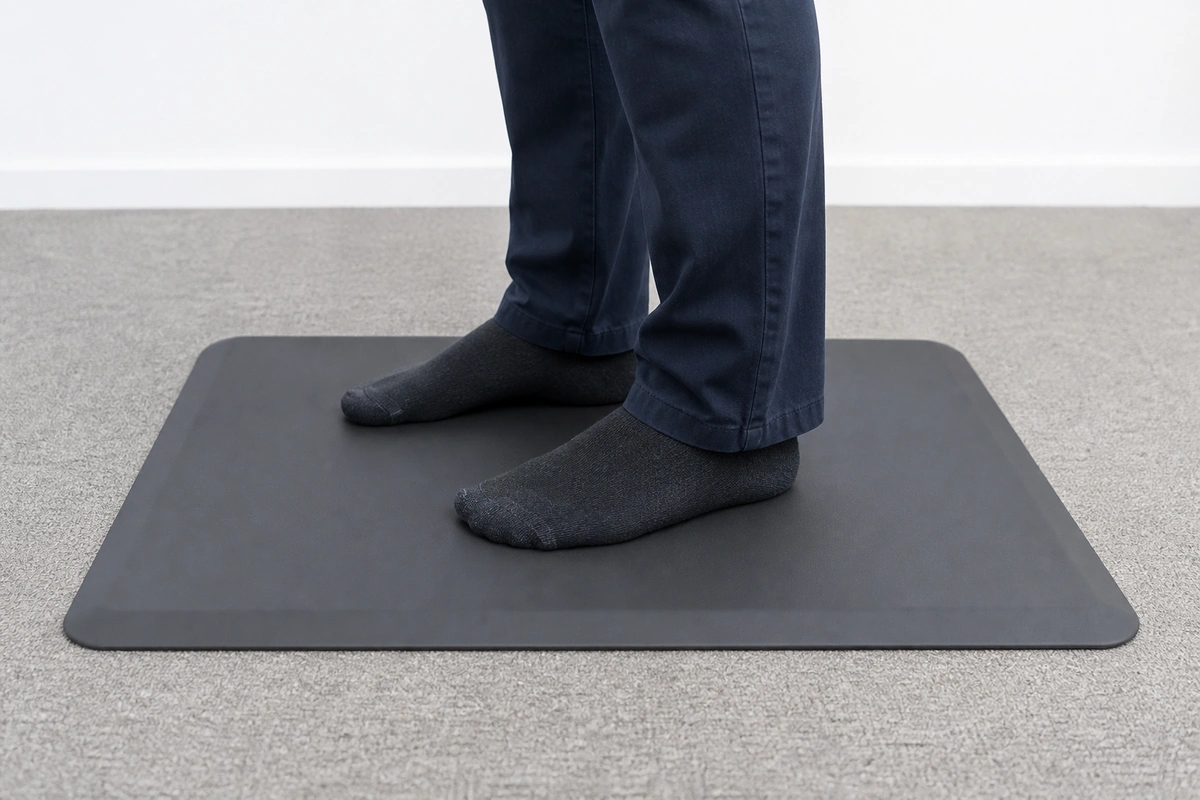
Most offices and home offices are carpeted. Does a mat even do anything on carpet?
Yes, and here’s why: carpet doesn’t cushion in the way a fatigue mat does. Carpet compresses under weight but doesn’t return elastic support. The surface stays flat-ish. A proper anti-fatigue mat has engineered cushion-return that prompts your feet to micro-move. You feel the difference after 3 hours.
Installation on carpet:
- Any mat works on low-pile / commercial carpet
- On plush residential carpet, use a mat with a textured or rubber-backed bottom so it doesn’t slide
- Don’t use a mat on shag carpet — too much compression, mat rocks and feels unstable
Standing Desk Mat on Hardwood / Laminate
Same basic rules as carpet, but:
- Rubber-backed mats work great (grip the floor)
- Felt-backed mats can scratch hardwood — avoid
- If you have a tall desk and step back during long thinking sessions, add a second mat behind the main one or oversize to 24″×36″ to catch that step
Using the Mat with a Sit-Stand Desk
Sit-stand desks are only effective if you actually cycle. Most people don’t, because the mat becomes a friction point.
Two approaches:
1. Leave the mat in place. Use a low-profile (1/4″–3/8″) mat and a desk chair with hard casters that can roll over it. Easy, always ready, but limits your chair positions.
2. Slide the mat aside. Use a thicker premium mat (3/4″+). When sitting, slide it to the side with your foot. When you stand, slide it back. Takes 2 seconds, gets you better cushioning.
Option 2 is better if you want real cycling. Option 1 is better for people who rarely sit back down during the workday.
Pro Tips for 8-Hour Standing Comfort
The mat is 70% of the solution. The other 30%:
- Shoes matter. Barefoot on a mat is fine for 2–3 hours; past that, your arches need support. Wear flat shoes with a mild arch (Chuck Taylors, minimalist sneakers, or “office-appropriate” loafers with insoles).
- Rotate every 30 minutes. Shift weight left/right, do a calf raise, step back and stretch. The mat won’t save you from total stillness.
- Sit strategically. 30–60 min standing, then 20–30 min sitting is the commonly-recommended rhythm. Don’t try to stand all day just because you have a standing desk.
- Hydrate. Sounds unrelated; actually matters. Dehydration increases muscle fatigue faster than mat quality differences.
FAQs
Do I really need an anti-fatigue mat if I’m only at my standing desk for 2 hours a day?
For casual use (under 2 hrs/day cumulative), a cheap $30 flat foam mat is enough, and you could technically skip one entirely. Above 4 hrs/day, a proper mat measurably reduces end-of-day foot and calf fatigue.
Can I use a kitchen anti-fatigue mat for my standing desk?
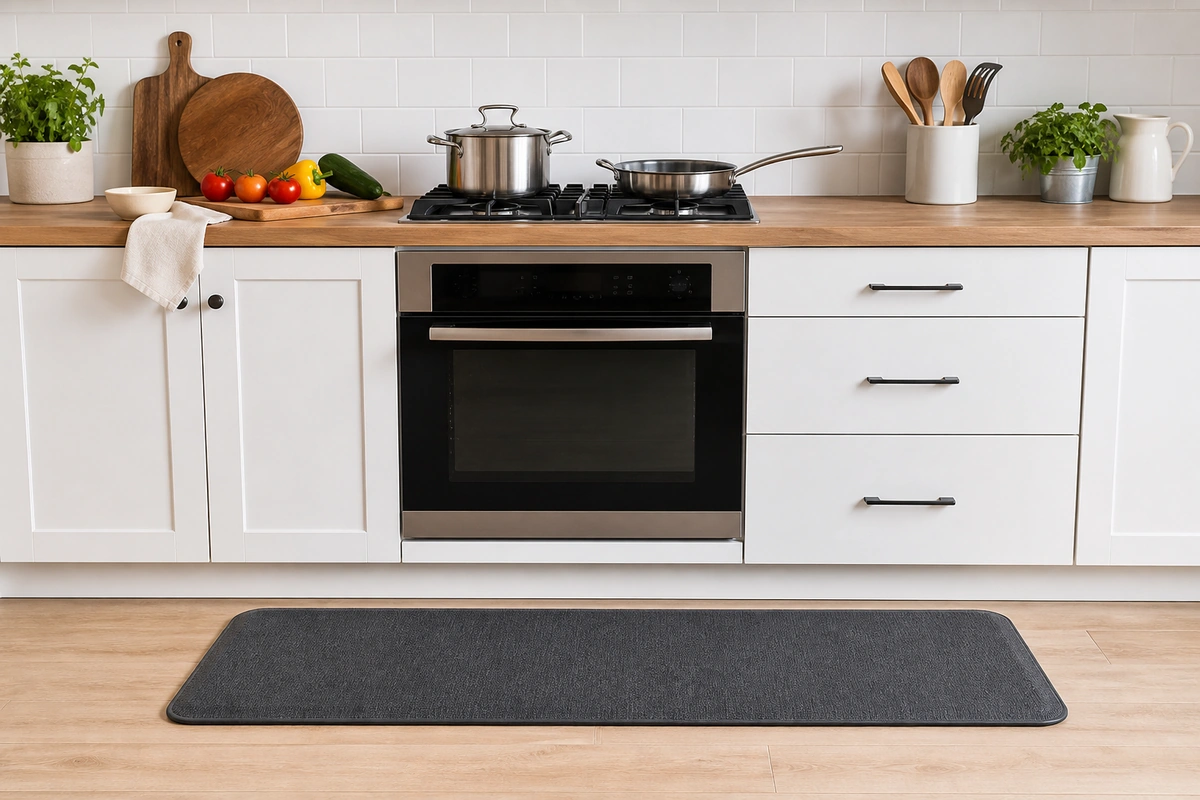
Kitchen mats are usually 18″×30″ or 20″×30″ — same footprint. They work fine dimensionally. The only issue is aesthetic (many kitchen mats are black diamond-plate rubber, which looks wrong in a home office) and durability: kitchen mats are rated for intermittent use, so they’ll wear faster under 8-hour desk cycles.
My office has carpet. Will a standing desk mat ruin the carpet underneath?
No, as long as you lift the mat every few months to let moisture escape. Standing sweat / condensation trapped between mat and carpet for a year can cause mildew. Rotate or lift monthly for the first few months to verify no issue; after that, every 3 months is enough.
Contoured vs. flat mat — which is actually better?
For users standing 4+ hours/day, contoured mats are noticeably better because they prompt posture changes. For casual users, flat mats are equal or better because they don’t create new pressure points. If you’re unsure, start with flat. It’s cheaper and works for most people.
Are gel standing desk mats worth the extra money?
No. Marketing overstates the benefit. Quality PU foam delivers equivalent fatigue reduction and doesn’t risk leaking if something pokes the surface.
How long does a standing desk mat last?
PU foam mats under 8-hour daily use: 2–4 years before permanent compression reduces cushioning. Dense rubber mats: 5–8 years. A sign it’s time to replace: you can see the outline of your foot compressed into the mat, and it doesn’t bounce back after 10 minutes without weight.
Will a standing desk mat help with knee pain?
It can, by reducing joint impact during standing. But if you have active knee pain, talk to a PT first. Some knee issues get worse on soft surfaces because your knee works harder to stabilize. A firmer rubber mat often helps more than a soft foam one in that case.
Take Action
- Estimate your daily standing hours: under 3 → budget tier; 3–5 → mid-range contoured; 5–8 → premium
- Measure your desk width and check carpet vs hardwood
- Pick flat vs. contoured based on hours and foot health
- Budget $50–90 for 80% of people — above $100 only if you’re 6+ hrs/day and have specific foot issues
- Rotate the mat every 3 months to extend life
For a broader comparison of anti-fatigue mat categories (kitchen, workshop, standing desk, retail), see our best anti-fatigue mats guide. For a kitchen-specific scenario, see kitchen anti-fatigue mats.
Questions? Call 888-443-9058 or email customerservice@norsk-stor.com.